08 Production
FROM COMP TO PRESS.
Pre-production through release. Keylines, specs and the checks that keep a good idea from dying at the printer.
From comp to press.
Eight stages, who signs off on each, and the classic way each one goes wrong. Small jobs skip a few. Big ones don’t.
- 01
Concept
Thumbnails and rough directions. Cheap on purpose.
Signs off: Creative director
Goes wrong when: Falling for the first idea before the second one shows up.
- 02
Comp
A believable layout to present: real headline, FPO images, placeholder copy marked as placeholder.
Signs off: Client
Goes wrong when: A comp that promises what the budget can’t print, like foil on a four-color job.
- 03
Approval
Written sign-off on the comp, with a short list of agreed changes.
Signs off: Client + account lead
Goes wrong when: “Looks great” in a hallway. Get it in writing.
- 04
Pre-production
The approved comp rebuilt at final size with locked copy, an image list and specs confirmed with the printer.
Signs off: Art director + production
Goes wrong when: Treating the comp file as the final file. It’s the wrong size and full of RGB stock.
- 05
Keyline + mechanical
The production file: trim, bleed, safe area, folds and die lines on their own layer, FPO marked, spot colors named.
Signs off: Production artist
Goes wrong when: A dieline that prints because it sat on the art layer in process black.
- 06
Proof
A PDF proof for content, then a contract or hard proof when color matters.
Signs off: Client + art director
Goes wrong when: Approving color on an uncalibrated laptop at 2% brightness.
- 07
Release
The package: PDF/X file, spec sheet, a clean filename, fonts and links if they’re asked for.
Signs off: Production
Goes wrong when: Releasing v06 when the client approved v07.
- 08
Press check
For color-critical work, sheets approved at press against the contract proof.
Signs off: Art director
Goes wrong when: Chasing color with no target. Bring the signed proof.
Comp to pre-pro.
The comp sold the idea. Pre-pro makes it buildable. This is the cheapest place to find a problem, and the last cheap place.
0 of 9 done.
Ticks stay saved in this browser when storage is available.
Draw the lines first.
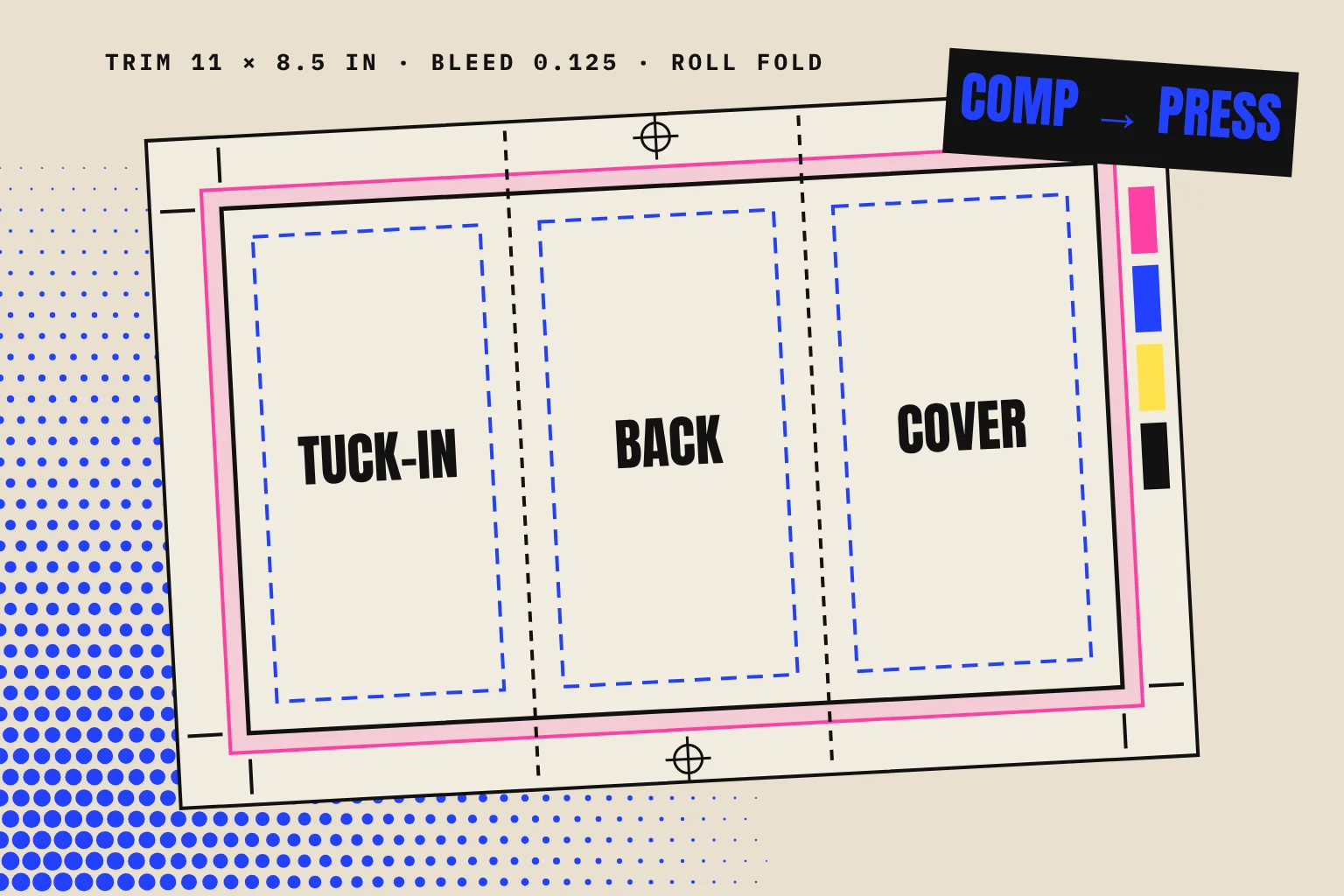
On a paste-up mechanical, the keyline was the outline that showed the printer where photos, trims and panels went. Today it usually means the guide or dieline layer: trim, bleed, safe area, folds and cuts, built so nobody mistakes it for art.
- Trim
- Where the sheet is cut.
- Bleed
- Background art runs to here.
- Safe area
- Keep type and logos inside.
- Fold
- Panel breaks, shown dashed.
Say it once. In writing.
One page the printer, the client and future-you all agree on. Fill in what you know; blanks show up as questions.
Sizes you keep looking up.
| Medium | Piece | Trim / size | Bleed and notes | Copy |
|---|---|---|---|---|
| Business card (US) | 3.5 × 2 in | 0.125 in bleed | ||
| Postcard | 6 × 4 in | 0.125 in bleed | ||
| Postcard, large | 7 × 5 in | 0.125 in bleed | ||
| Rack card | 4 × 9 in | 0.125 in bleed | ||
| Letter flyer | 8.5 × 11 in | 0.125 in bleed | ||
| Tabloid | 11 × 17 in | 0.125 in bleed | ||
| Letter trifold, flat | 11 × 8.5 in | Roll fold: tuck-in panel 1/16 in narrower | ||
| A4 | 210 × 297 mm | 3 mm bleed | ||
| A3 | 297 × 420 mm | 3 mm bleed | ||
| Large format | Poster | 18 × 24 in | Ask the printer; often 0.125–0.25 in | |
| Large format | Poster | 24 × 36 in | Ask the printer; often 0.125–0.25 in | |
| Out of home | Billboard bulletin | 14 × 48 ft | Vendor supplies the scale, live area and bleed | |
| Social | Square post | 1080 × 1080 px | sRGB | |
| Social | Portrait post | 1080 × 1350 px | sRGB | |
| Social | Story / vertical video | 1080 × 1920 px | Keep key type clear of the top and bottom 250 px |
Common starting points, checked October 2026. Printers, vendors and platforms change specs; confirm before you build.
Will it hold up?
Drop in an image to see how big it prints. The file stays in your browser; nothing is uploaded.
300 ppi at final size is the usual target for offset and close-viewed print. Large format seen from a distance can work at 100–150 ppi; ask the printer. More pixels can’t fix a soft photo.
Name it like you’ll need it.
Lowercase, hyphens inside each part, underscores between parts, and the date last so files sort by name. No spaces, no “final.”
Before it leaves the building.
The print-file check. For the idea-level check, use Before you hit send in Design Tools.
0 of 10 done.
The terms, explained.
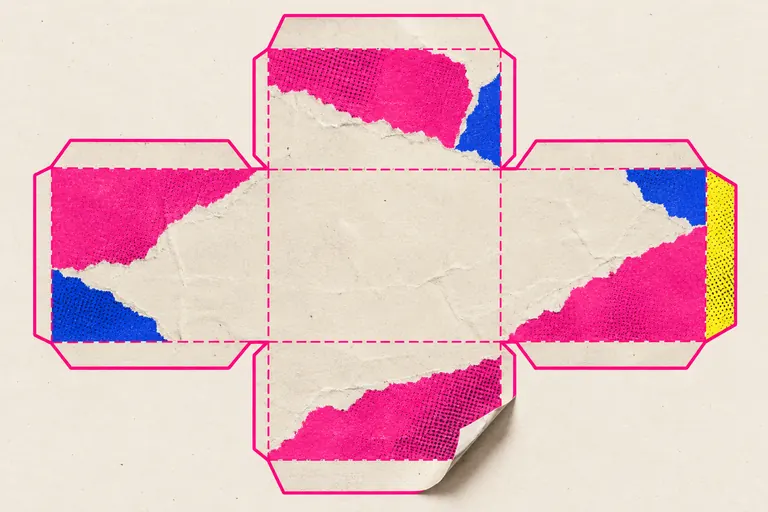
Original KIT illustrations. Each links to its entry in the Reference Library.